
Early access · image · video · voice · story
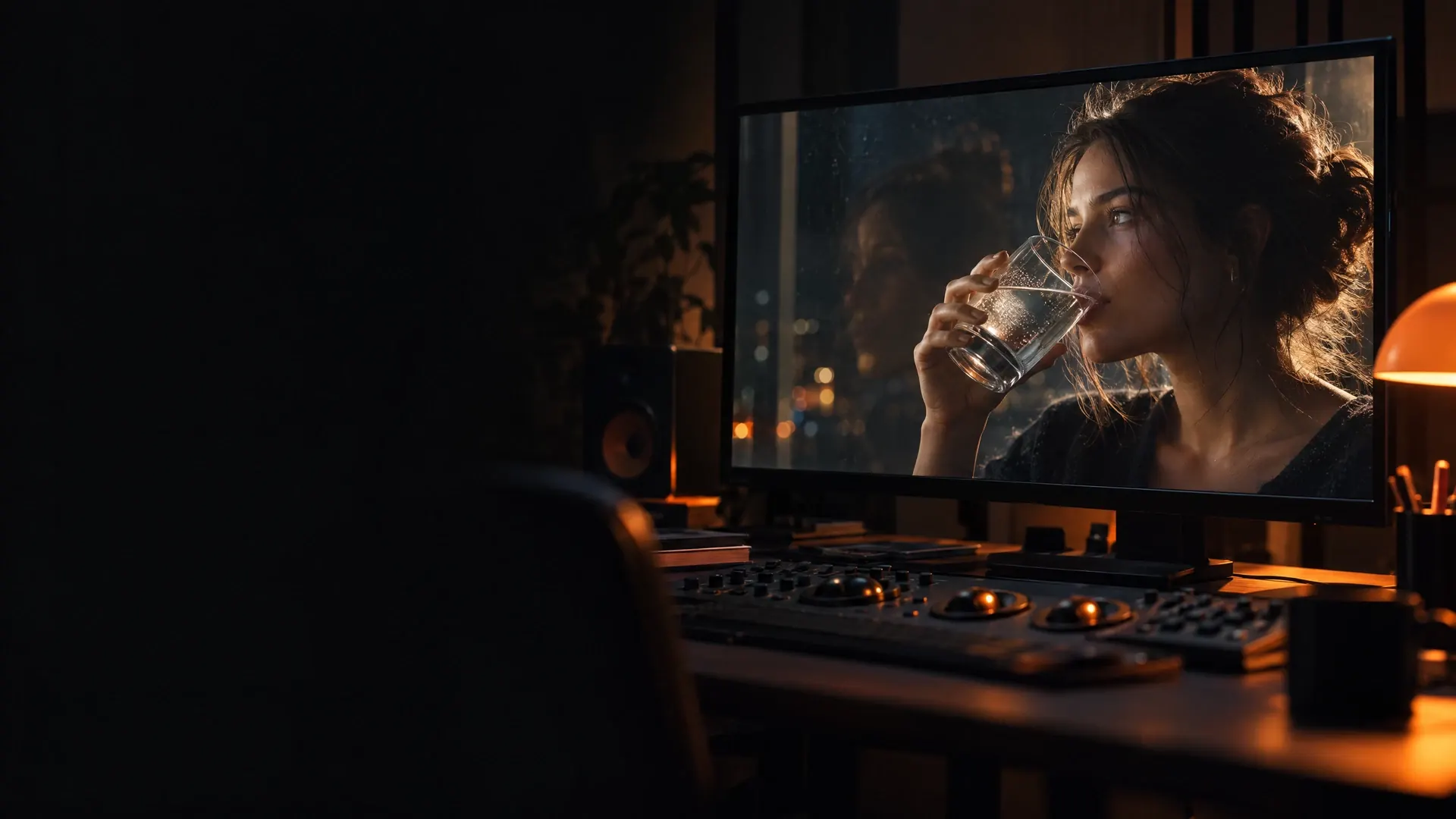
AI video that holds up, frame by frame
Plan, generate and refine marketing videos in one workspace: images, motion, voice and Story / VSL scripts, with Romanian pronunciation and captions built in and direct control over hands, liquids, reflections and identity.
See plans and creditsMember generation opens in stages. Every Generate button shows its credit cost before you spend.
01Modules
Everything a marketing video needs, in one place
Each module hands its result to the next, so a brief becomes frames, motion, voice and a finished cut without exporting between apps.
Studio
- Image
- Video
- Audio
Image, video and audio on one canvas: Nano Banana and Nano Banana Pro for stills, Kling v3 and Veo 3.1 for motion, ElevenLabs v3 and MiniMax Speech 02 HD for voice.
Explore the studio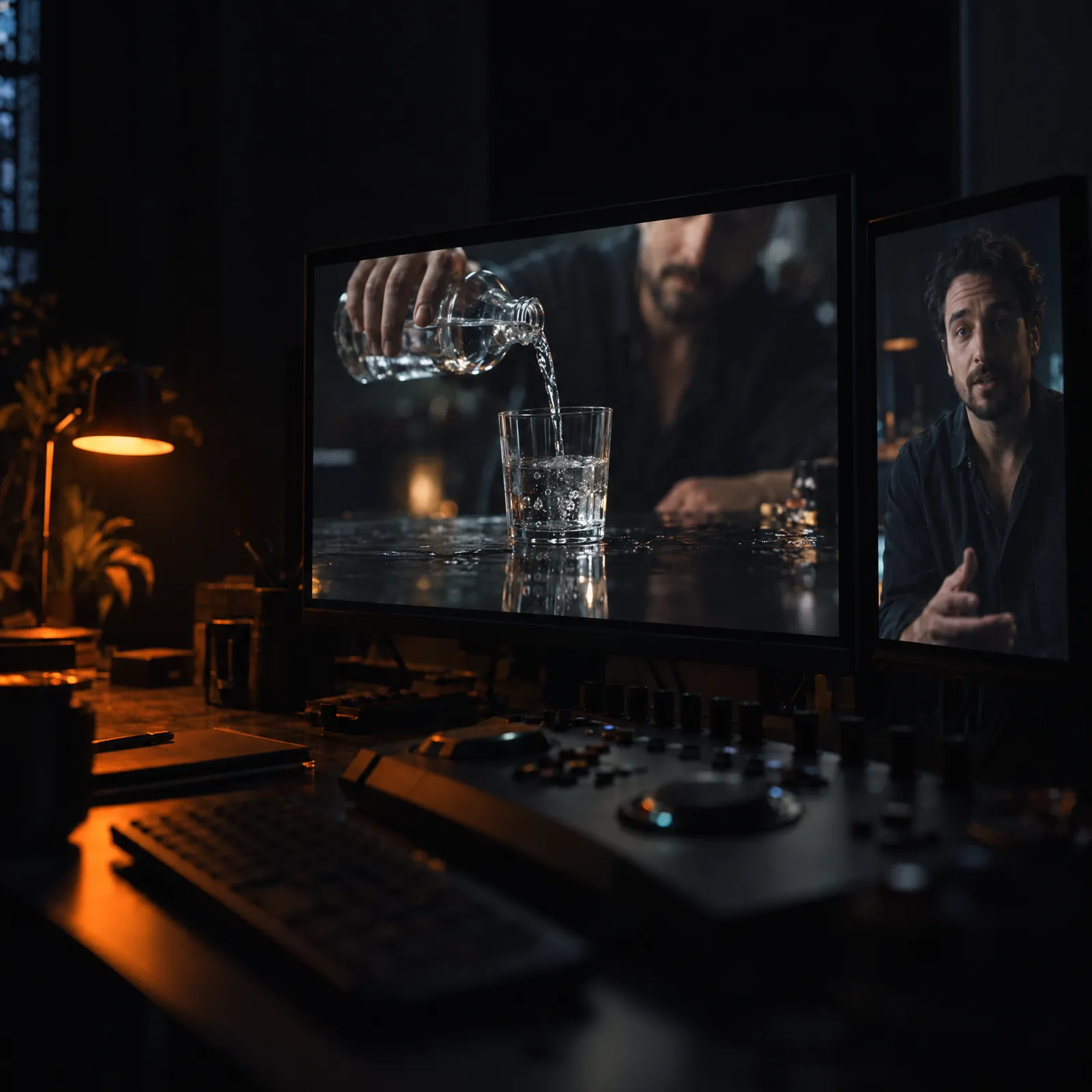
Story / VSL
Direction, argument and storytelling: turn an offer into a hook, a structure and scenes for a video sales letter.
Contextual chat
Ask for ideas and prompts in the context of the project and the tool you are working in.
Flows
Connect the creative steps into a sequence you can run again for the next product or offer.
UGC
Avatar-led ads and B-roll in the native style of social feeds.
Personas / AI Influencer
Consistent AI influencers with their own look and voice, reusable across campaigns.
Seeds
Product and identity references that keep the same product and the same face from shot to shot.
Assets
Your library of images, clips and audio, ready to drop into the next project.
My Prompts
Save the prompts that work and reuse them instead of starting from a blank box.
02From brief to cut
One brief, five passes, one finished video
The Story / VSL wizard gives the video its argument; the studio turns it into frames, motion and voice.
00:00
Brief
Start from an offer, a product or a story. Story / VSL turns it into a hook, a structure and scenes.
00:08
Frame
Generate stills, keep your references in Seeds, and version every take so the best frame is never lost.
00:16
Motion
Animate a prompt or an approved frame. Starting from the approved image keeps the character consistent.
00:24
Voice
Narrate in English or Romanian; Romanian text is prepared for speech before it reaches the voice.
00:32
Edit
Bring scenes, narration, captions and music together on the Studio timeline and shape the final cut.
03Realism
Built for the details that give AI away
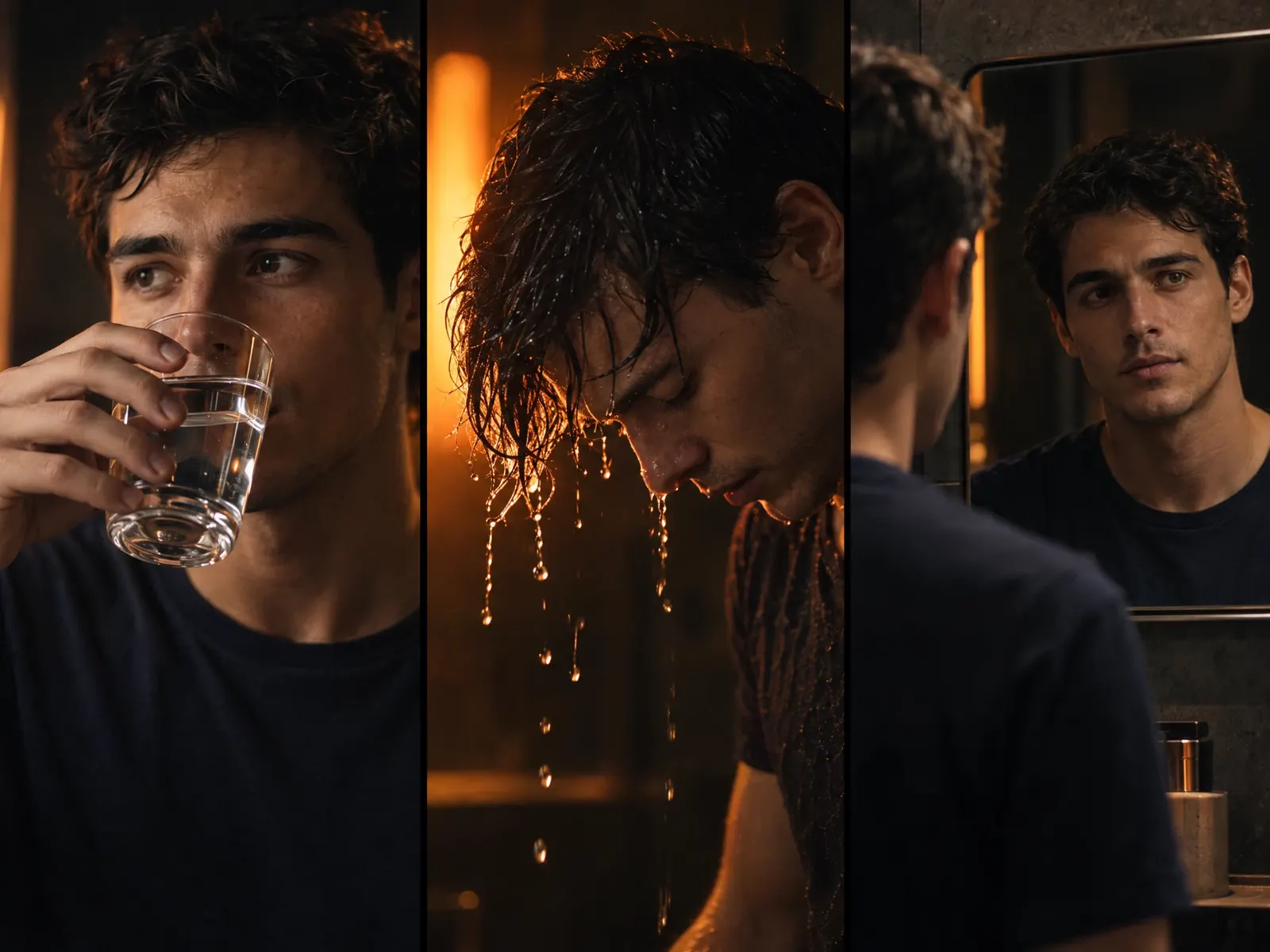
Models still make mistakes. The workspace makes them visible and fixable: a reference to start from, versions to compare, and a retake from the same brief instead of starting over.
Hands and anatomy
Five fingers, a natural grip, joints that bend the right way.
Liquids and contact
Water that pours, fills and meets the lips like water.
Reflections
Mirrors, glass and wet surfaces that agree with the scene.
Hair and fabric
Strands and folds that move with the body, not through it.
Identity across shots
The same face from the first frame to the last.
04Native Romanian
Romanian that sounds local, captions that match
The workspace is available in Romanian and English, and Romanian is handled as a language of its own, from the script to the final mix.
Pronunciation
Before narration, numbers, dates, times, abbreviations and currencies are rewritten into their spoken Romanian form. What you see on screen stays exactly as you wrote it.
Romanian captions
Captions keep the written form while the voice says the spoken one, caption fonts are checked for ă, â, î, ș and ț, and timing can be adjusted in the editor.
Lip-syncRolling out
Match a presenter's mouth to the narration from the lip-sync panel, without re-recording.
Mastered exportRolling out
The final mix is normalised to -14 LUFS integrated with a true peak at or below -1.5 dBTP, and the music ducks under the voice.
Items marked “Rolling out” are built into the workspace and open to members in stages.
ro-RO · script prepared for speech
- Written
- Webinarul începe la 19:00, pe 3 nov.
- Spoken
- Webinarul începe la nouăsprezece, pe trei noiembrie
- Written
- Oferta: 1.250 lei până pe 25.10.2026.
- Spoken
- Oferta: o mie două sute cincizeci de lei până pe douăzeci și cinci octombrie două mii douăzeci și șase.
05Demo projects
Three projects, made end to end in the workspace
These slots are reserved for three complete demo projects. Each one is published here only once it has been produced entirely in the platform.
- SLOT 01 · S6
Demo project 1
Reserved slot · coming in stage S6
No sample footage is shown until the real project is ready.
- SLOT 02 · S6
Demo project 2
Reserved slot · coming in stage S6
No sample footage is shown until the real project is ready.
- SLOT 03 · S6
Demo project 3
Reserved slot · coming in stage S6
No sample footage is shown until the real project is ready.
06Plans and credits
Know the cost before you press Generate
Every plan includes a monthly credit balance and starts with a 7-day trial with 50 credits. Credits are held when a job starts and charged only when it succeeds.
7-day trial · 50 credits
- Starter
- $19/ month
- 275 credits / month
- Plus
- $39/ month
- 800 credits / month
- Pro
- $79/ month
- 1,800 credits / month
- Max
- $149/ month
- 3,800 credits / month
The price shown is the final price, with applicable taxes included. Link calculates and collects the taxes as merchant of record. No other charges are added by us or by Link.
Compare plans07Learn it
The AI Video Marketing community on Skool
A separate place to learn the craft of AI video for marketing, alongside other creators.
- Learning and discussion with other creators
- Billed separately from the software plans
08Questions
Before you start
What is AI Video Marketing?
A web workspace for making marketing videos with AI: image, video and voice generation, Flows, UGC, AI influencers, a Story / VSL wizard and a timeline editor, in English and Romanian.
Which AI models can I use?
Images: Google Nano Banana and Nano Banana Pro. Video: Kling v3 and Google Veo 3.1. Voice: ElevenLabs v3, MiniMax Speech 02 HD and native Romanian ElevenLabs voices. Models are added as they prove reliable.
How are credits used?
Each generation has a price in credits that depends on the model, the duration and the resolution, and the price is shown on the Generate button. Credits are charged only for successful results.
How does the Romanian support work?
Romanian scripts are prepared for speech, so numbers, dates and currencies are read the way people say them, while captions keep what you wrote. Lip-sync and the mastered export are rolling out to members in stages.
Can I use it today?
The workspace is in early access. You can create an account and explore the studio now; generation for members opens in stages as plans go live.
How is the community different from the software?
The Skool community (9 USD) is where you learn the craft. The software plans are where you generate. They are paid separately.
How do I reach support?
Write to support@aivideomarketing.io in Romanian or English. Personal data requests go to privacy@aivideomarketing.io.
09Support
Talk to a person
Questions about the workspace, credits or your account? Write in Romanian or English.
Terms, privacy and refund policiesSupport
Account, credits, plans and anything that does not work as expected.
support@aivideomarketing.ioPrivacy
Requests about your personal data and the Privacy Notice.
privacy@aivideomarketing.io